How to Set Up Goals and Track Your Progress
Are you investing because you're trying to reach financial independence? Build up a retirement nestegg? Pay for your kids' education?
At Passiv we want to help you reach your long-term financial goals. This is why we built our goals feature. You can set a goal for your portfolio group(s), track the progress you've made and even simulate when you'll reach your goal by adding some basic assumptions. This tutorial will guide you through the process of setting a goal and tracking your progress.
Set a goal
To get started, click on Goals in the left pane.

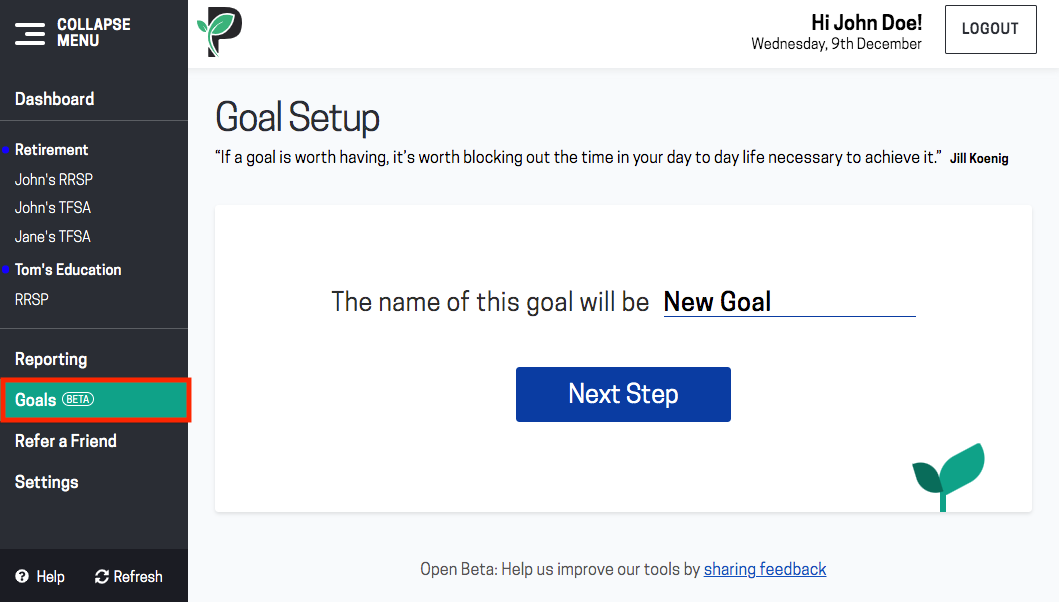
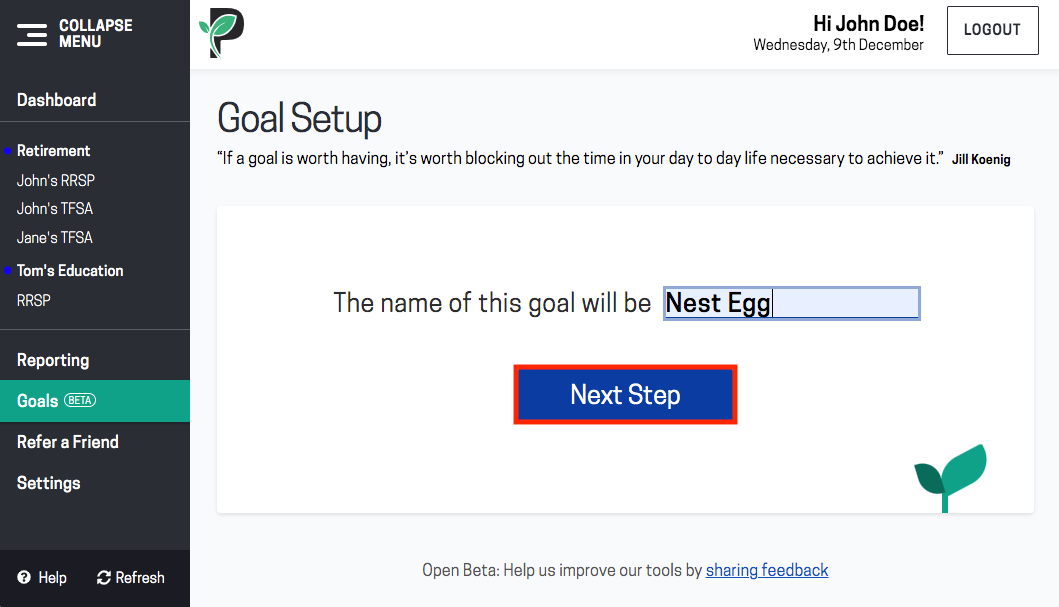
Enter a name for your goal. Click Next Step.

You can either choose a specific portfolio group to apply your goal to or choose to apply it to all your portfolio groups. Click Next Step.

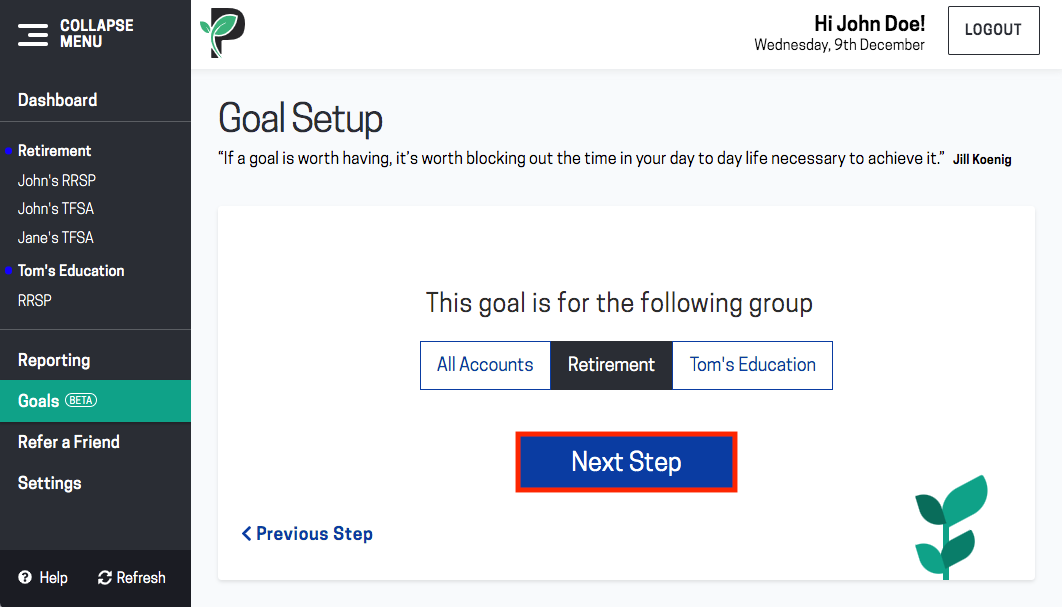
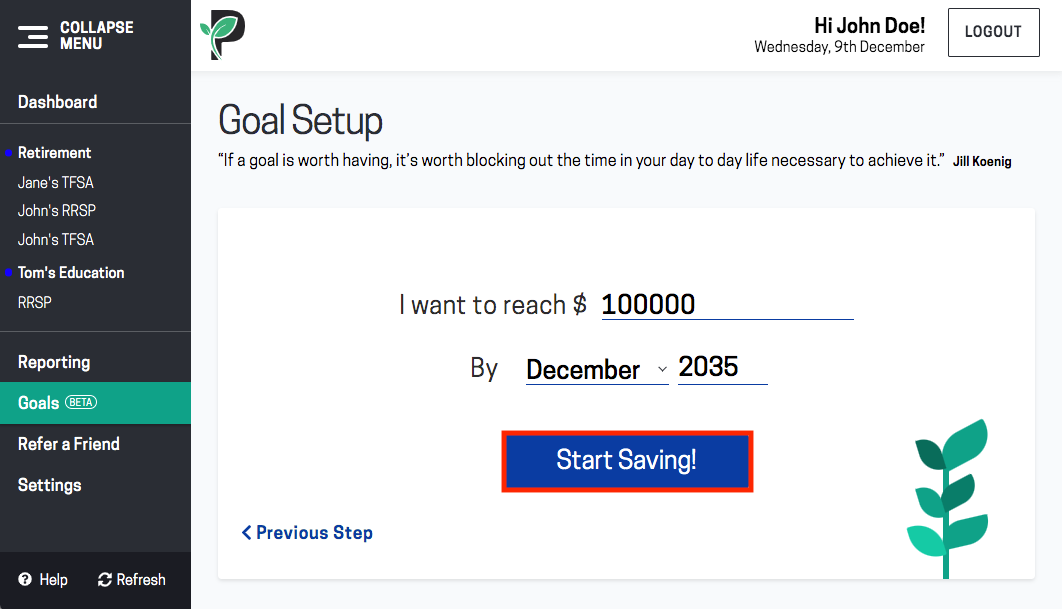
Enter the target date and target amount for your goal. Click Start Saving!
Your goal is now created. Passiv automatically calculates how much you need to contribute each month to reach your goal by your target date.

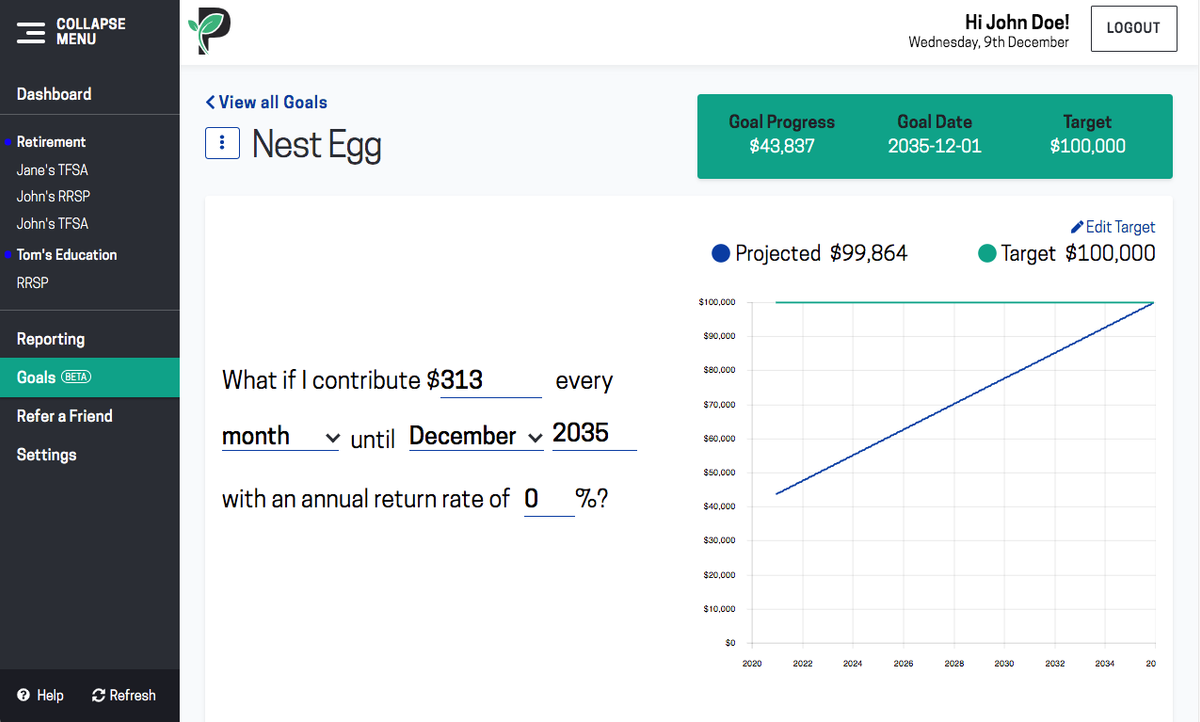
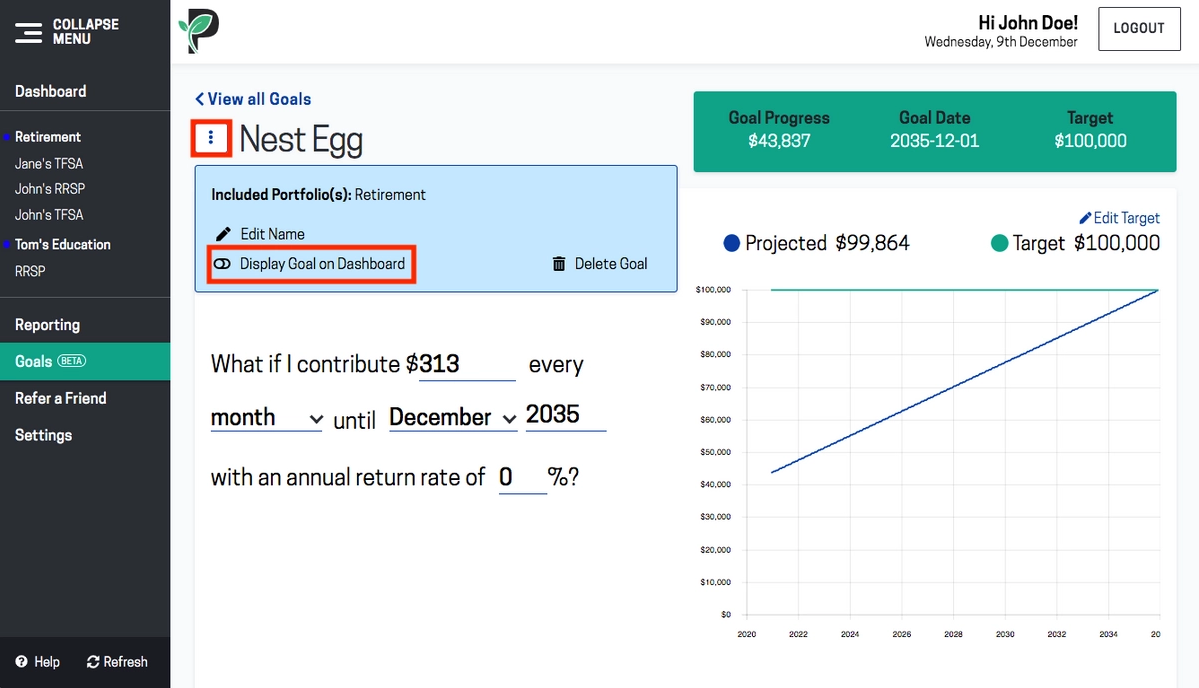
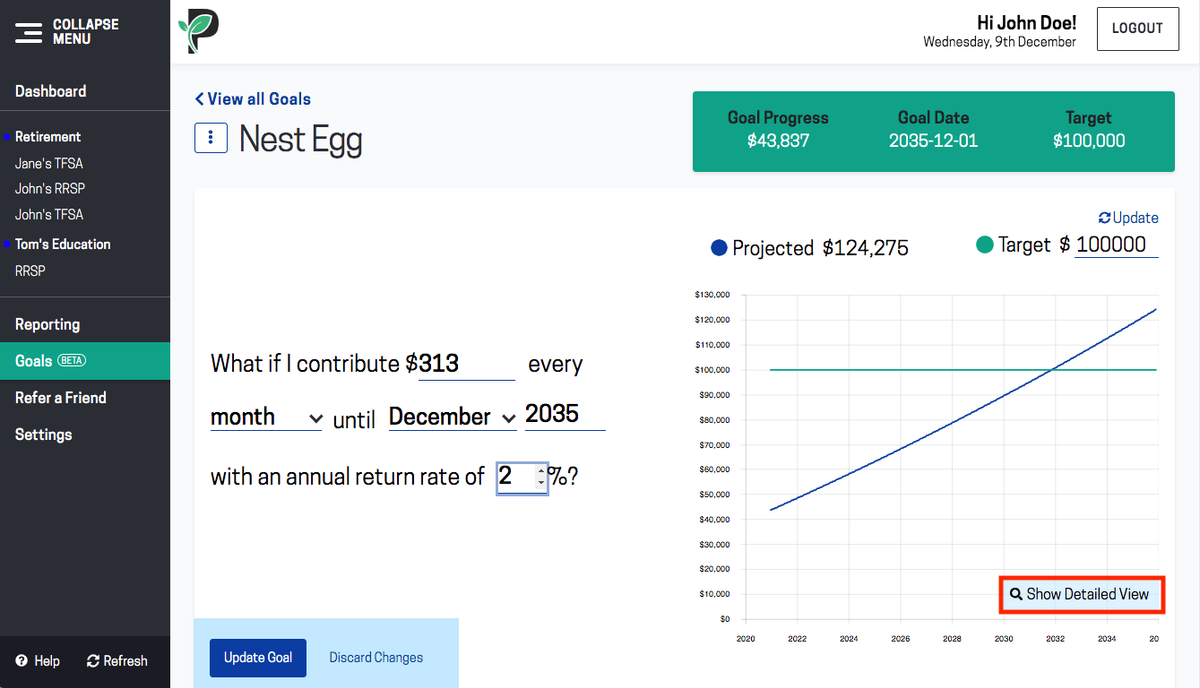
You can adjust the contribution amount, contribution frequency, target date and the return rate and click Update Goal to see how it affects your goal. If you don’t want to save your changes, click Discard Changes.
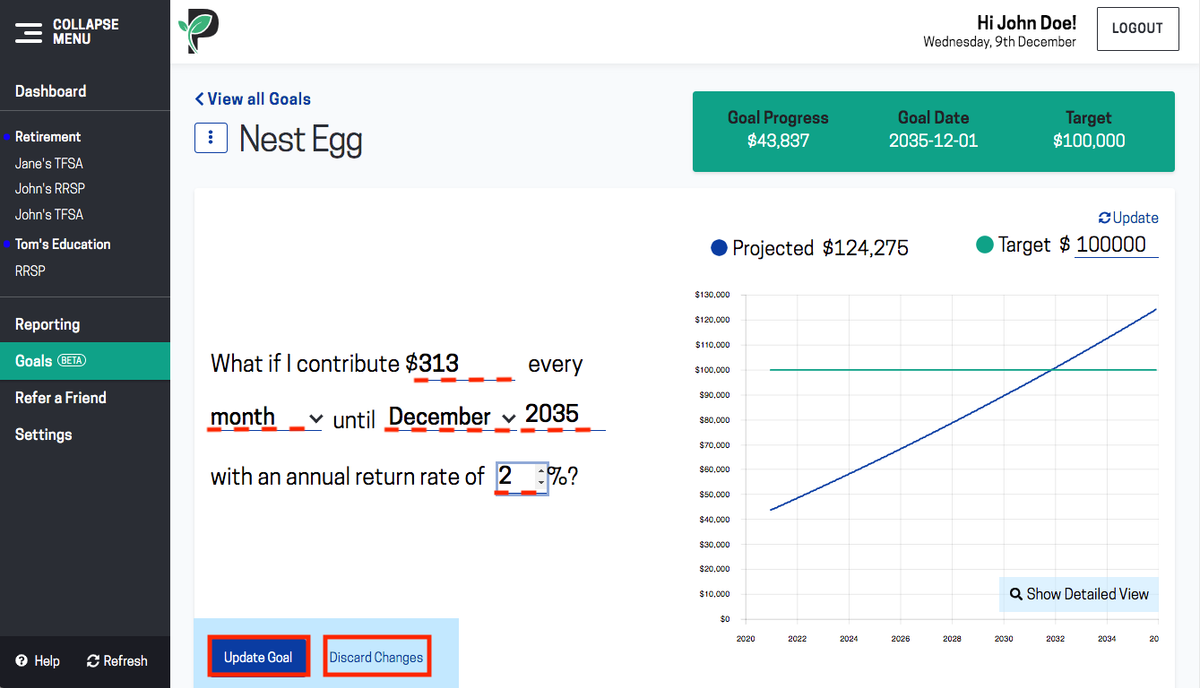
For example, you may realize that the suggested amount to reach your goal by your target date doesn’t fit your budget and decide to extend your timeline, or conversely, that you could be saving faster if you contributed a little more each month.
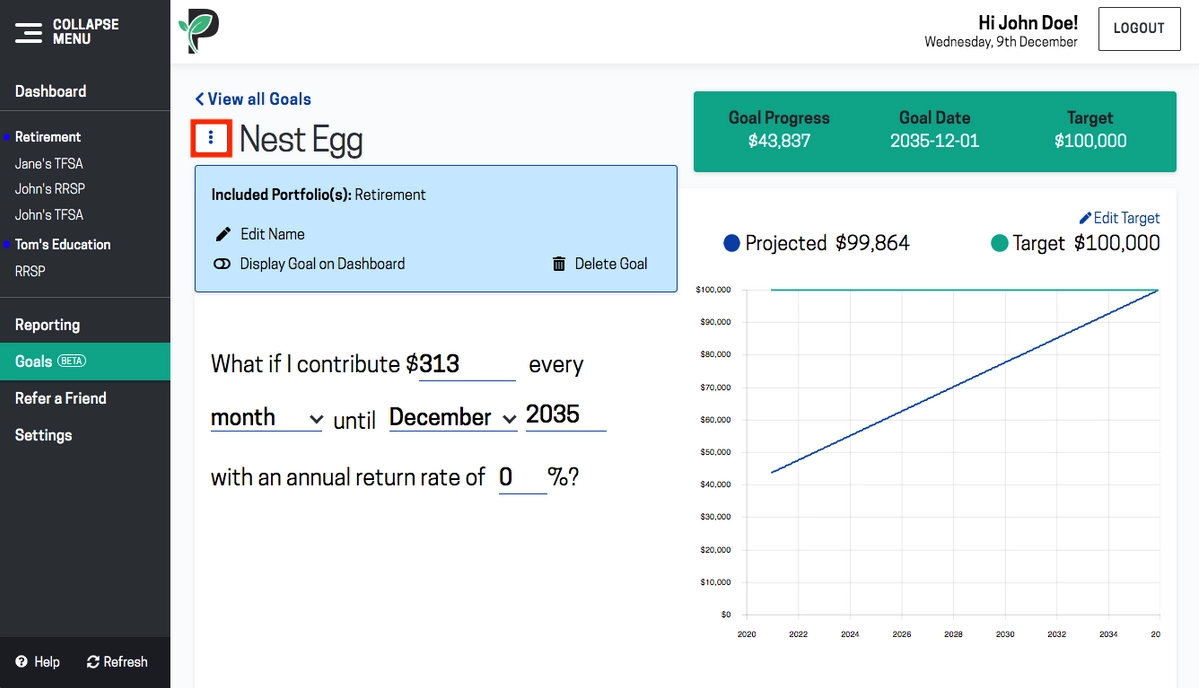
Click on the three dots next to your goal’s name to Edit Name, Display Goal on Dashboard or Delete Goal.
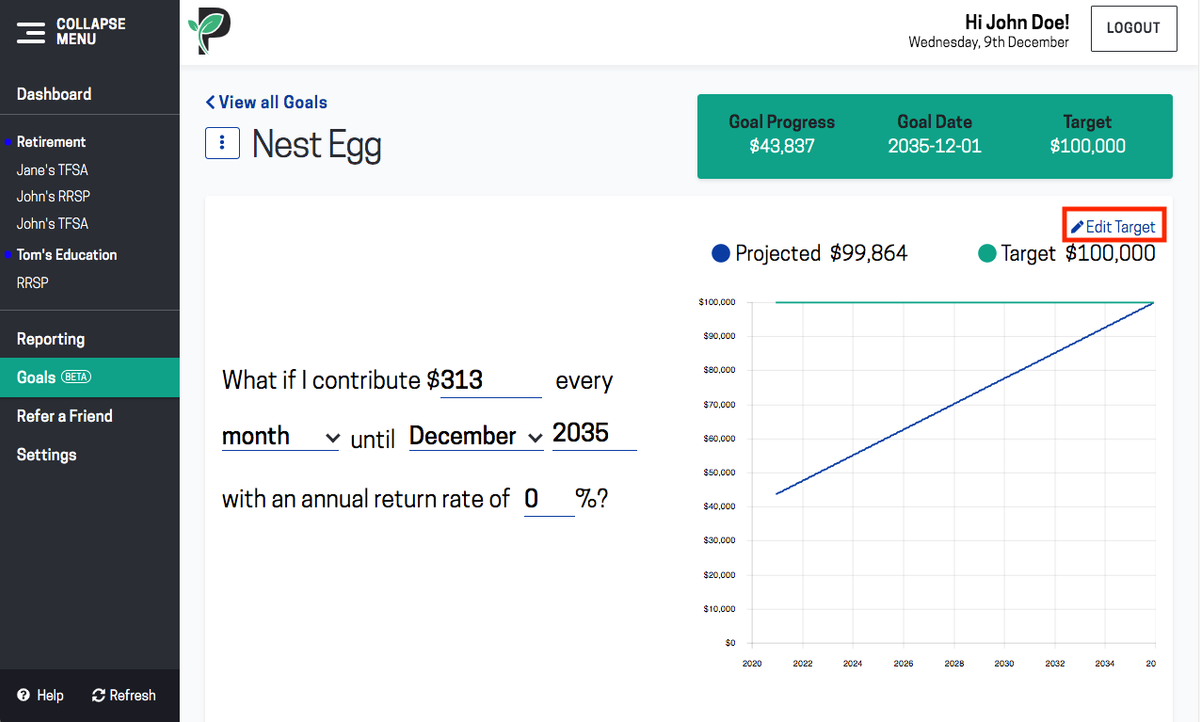
Click on Edit Target to change your target amount. Then click Update.
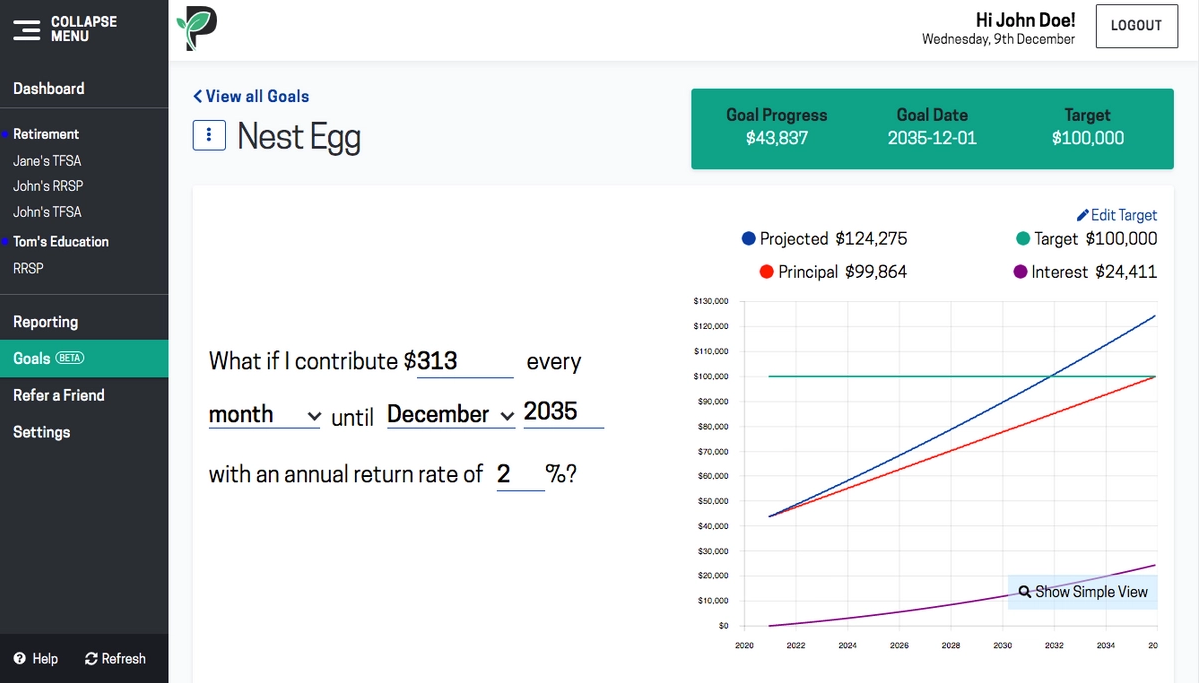
Click on Detailed View to split the Projected Amount into Principal and Interest.

Track your goal
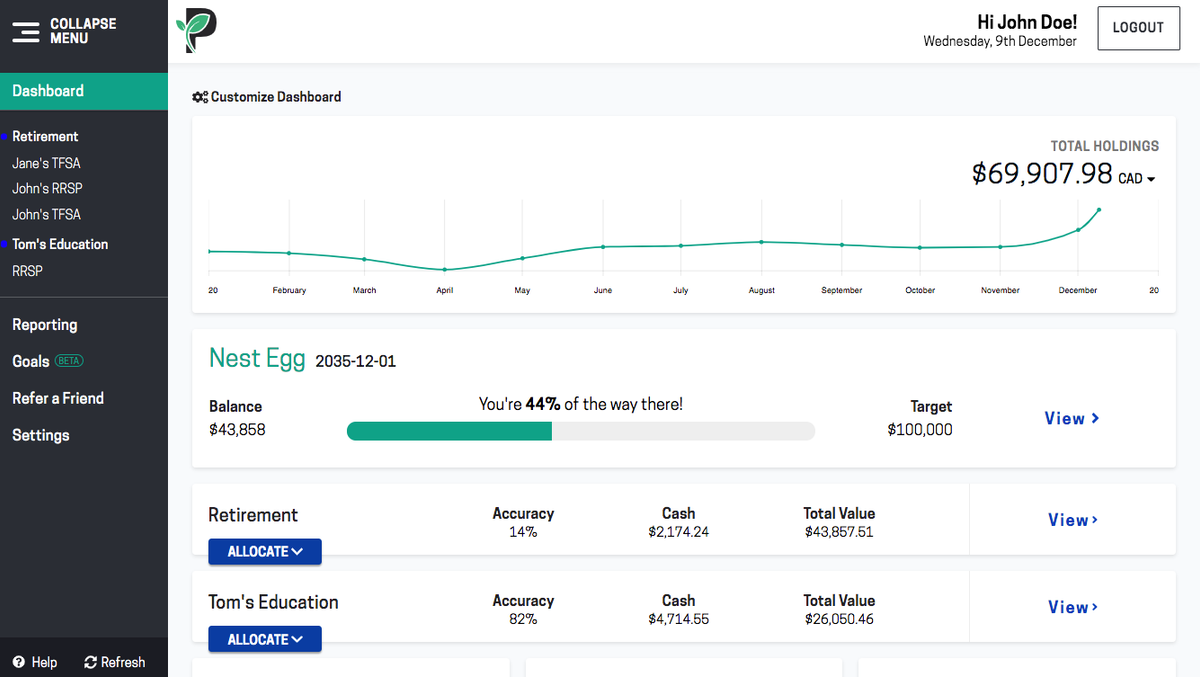
Passiv displays your balance as a percentage of your target to help you keep track of your progress.

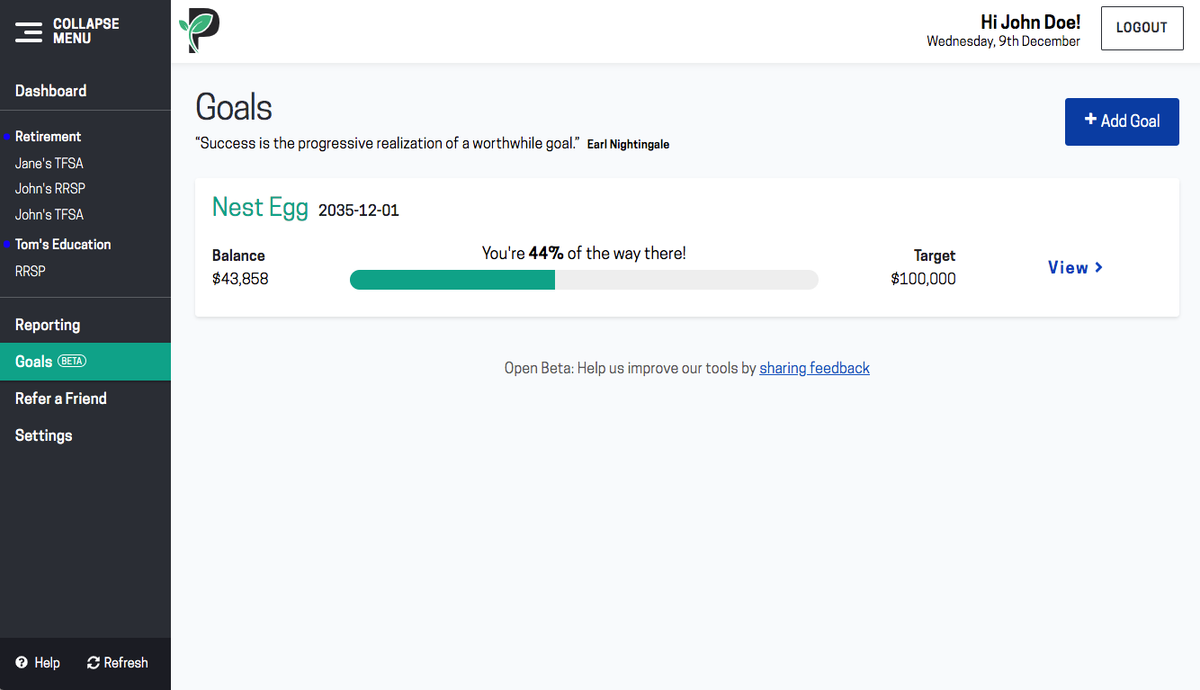
Note that your balance is the total holdings (including cash) in the portfolio group that you selected; or in all your accounts, if you didn’t select a portfolio group to assign your goal to. Total holdings exclude your holdings in hidden accounts.
You can choose to display your goals in your dashboard by clicking on your goal. Click on your goal then click on the three dots next to your goal’s name and then toggle Display Goal on Dashboard to pin your goal to your dashboard.